What is a KVM Switch and How Does it Work?
In today's increasingly digital landscape, efficient management of multiple computer systems is crucial. A KVM Switch serves this purpose, allowing users to control several computers with a single keyboard, video monitor, and mouse. This technology becomes essential for businesses that need to optimize desk space and manage resources effectively.
According to industry reports, the global KVM Switch market is projected to grow significantly, reaching over $3 billion by 2025. This growth indicates a broader adoption across sectors, from IT infrastructure to broadcasting. High-performance KVM Switches enable seamless switching between devices, promoting efficiency and productivity.
However, not all KVM solutions are created equal. Users often face challenges like compatibility issues or suboptimal performance. Understanding the intricacies of KVM Switches can lead to better decision-making. It’s vital to recognize both the advantages and the possible shortcomings of these systems. As technology evolves, so must our approach to these tools to ensure constant improvement and reliability.
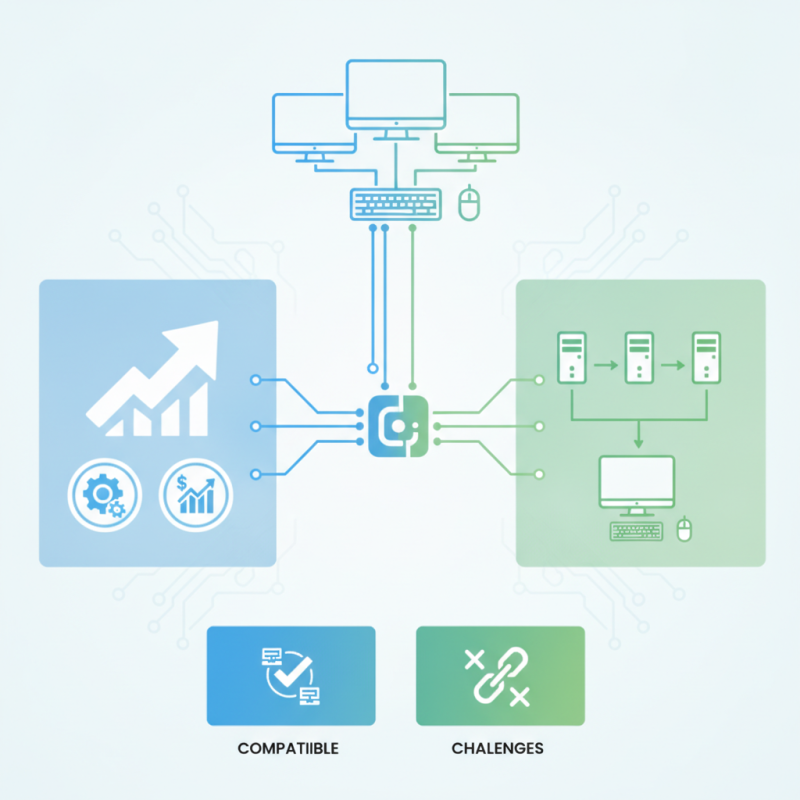
What is a KVM Switch?
A KVM switch, or Keyboard, Video, Mouse switch, allows multiple computers to be controlled using a single set of peripherals. This device is particularly useful in environments where space is limited. Imagine having several machines in a small office, taking up valuable desk space. A KVM switch consolidates these controls, streamlining your workspace.
Using a KVM switch is straightforward. You simply connect your computers to the switch, and then plug your keyboard, monitor, and mouse into the device. With a push of a button, you can easily toggle between machines. This is especially beneficial for IT professionals who need to manage multiple systems without the mess of tangled cables and clutter.
However, challenges may arise. Not all KVM switches support high-resolution displays or multiple video formats. Additionally, some models can introduce lag or connectivity issues. Understanding these concerns is essential before making a decision. While KVM switches offer convenience, not every option fits every need, and research is crucial to find the right match.
Key Features of KVM Switches
A KVM switch allows users to control multiple computers with one keyboard, video monitor, and mouse. This innovation saves desk space and enhances productivity. Key features of KVM switches include support for various operating systems, server-level performance, and the ability to switch seamlessly between machines.
One essential feature is multi-platform compatibility. Many KVM switches support Windows, Linux, and macOS systems, catering to diverse IT environments. This flexibility is vital, as recent studies show that over 70% of organizations operate more than one OS. Data security is another critical aspect. High-end KVM switches offer encryption to protect sensitive information, a necessity in today's cybersecurity landscape.
Tips: When choosing a KVM switch, evaluate the number of devices you plan to connect. Ensure that it supports your needed video resolutions, especially if using high-definition displays. Always consider the length and quality of the cables, as they impact signal strength and overall performance. Engaging with forums or user communities can also provide insights on effective use and troubleshooting.
KVM switch selection can be overwhelming, with varying features and specifications. It's crucial to reflect on your unique needs and usage patterns before making a decision. Avoid assuming a higher price guarantees better quality; assessing credible reviews and user experiences can lead to informed choices.
How KVM Switches Function: A Step-by-Step Explanation
A KVM (Keyboard, Video, Mouse) switch allows you to control multiple computers using a single keyboard, monitor, and mouse. This device connects several computers through designated ports. Users can switch between these systems conveniently. A button or keyboard shortcut usually facilitates this switching process.
To understand how KVM switches function, start by connecting your computers to the switch using appropriate cables. Each computer will be assigned a specific port on the KVM switch. After connection, the monitor, keyboard, and mouse connect to the switch. When you want to access a different computer, simply press a button or use a hotkey combination. This setup is efficient for managing multiple systems without the clutter of extra peripherals.
Tips: When choosing a KVM switch, consider the number of computers you need to connect. Look for ones that support your monitor resolution. Ensure compatibility with your devices, as some switches may have limitations. Regularly check for firmware updates to ensure optimal performance.
What is a KVM Switch and How Does it Work?
| Feature | Description | Benefits |
| Port Count | Number of computers that can be connected to the switch. | Increased efficiency by managing multiple connections. |
| Types | Includes both hardware and software KVM switches. | Flexibility to choose based on infrastructure needs. |
| Switching Method | Can switch between computers using buttons, keyboard shortcuts, or on-screen menus. | User-friendly and efficient control over multiple systems. |
| Supported Interfaces | Supports USB, HDMI, VGA, DVI, and DisplayPort. | Compatibility with various equipment and devices. |
| Remote Access | Some models allow remote management over the internet. | Convenient monitoring and control from anywhere. |
Types of KVM Switches and Their Applications
KVM switches come in various types and serve different purposes. A basic KVM switch allows users to control multiple computers from a single keyboard, mouse, and monitor. This is particularly useful in server rooms or for IT professionals managing several systems. Users can quickly switch between computers, enhancing productivity.
There are also KVM switches designed for remote access. These provide secure connections over the internet, allowing users to control systems from anywhere. This can be particularly helpful for tech support teams or remote workers. Advanced models include features like video switching and multi-user access. These built-in capabilities can improve efficiency but require careful setup to avoid potential security flaws.
For those in environments with many devices, matrix KVM switches are essential. They enable complex interconnections between multiple users and computers. However, configuring such systems poses challenges. Users must plan the layout and understand how connections work. Often, mistakes occur in initial setups, leading to frustration. Such hurdles can be reflective of the complexity involved in managing multiple systems.
Benefits of Using a KVM Switch in Multi-Computer Setups
In multi-computer setups, KVM switches can greatly enhance efficiency. A KVM switch allows users to manage multiple computers from a single keyboard, mouse, and monitor. This eliminates the need for separate peripherals for each system, streamlining the workspace.
According to a recent industry report by The Insights Partners, 40% of businesses reported significant improvements in productivity after implementing KVM switches. This factor is crucial, especially in environments where space is limited. By consolidating control, users can switch between systems seamlessly, reducing the time wasted.
However, it's essential to consider the learning curve involved. Users often face initial challenges in adapting to KVM technology. Moreover, certain KVM models may not support all peripherals, which requires careful selection. Without addressing these challenges, companies may not achieve the desired efficiency gains. Integrating a KVM switch should come with proper training and assessment of existing workflows. This helps ensure that all potential benefits are realized while minimizing any drawbacks.
Benefits of Using a KVM Switch in Multi-Computer Setups
This chart illustrates the key benefits of using a KVM switch in multi-computer setups, with scores indicating the level of advantage each benefit provides. Higher scores reflect greater importance or utility in a multi-computer environment.