What Are the Top USB Charging Cable Types in 2026?
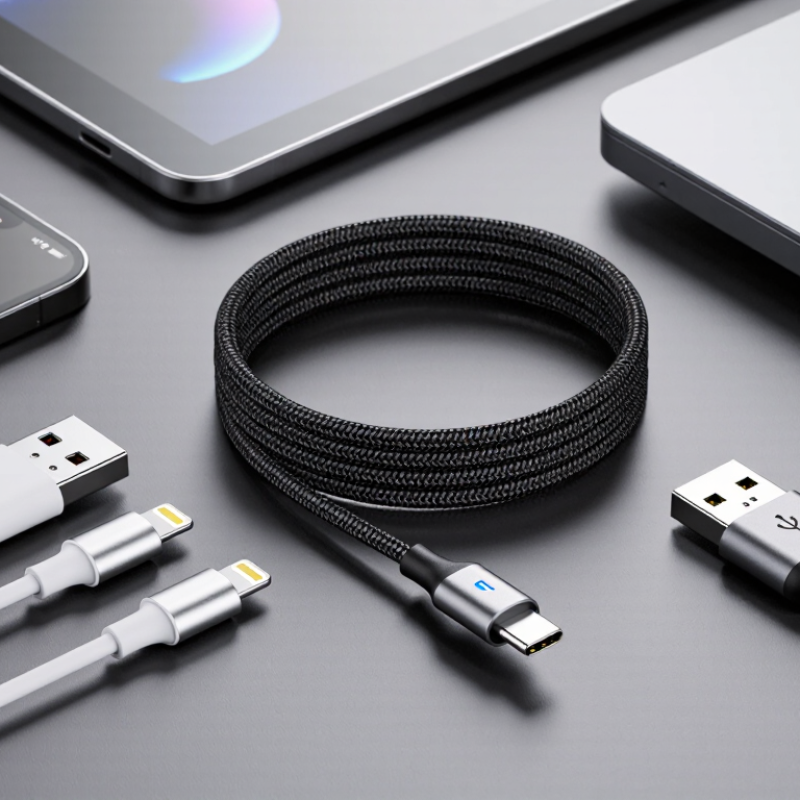
USB charging cables may look interchangeable, but connector shape alone does not tell you how well one will serve your devices. In 2026, common choices include USB-C to USB-C, USB-A to USB-C, and cables for older Lightning or Micro-USB devices. Each type suits a different mix of phones, tablets, laptops, and chargers. Small details matter. A cable’s rated power, supported charging standard, and data capability can affect everyday use. USB Power Delivery can support fast charging when the cable, charger, and device are compatible. A familiar plug does not guarantee the same performance.
This guide compares the main Usb Charging Cable types by connector, typical use, and practical limitations. It also considers cable length, durability, and features such as e-marker chips in some higher-power USB-C cables. These details help explain why a short cable may charge a laptop reliably while a thin, unmarked alternative may not meet its power needs. Check the specifications. Check both ends. For example, a USB-A charger cannot provide every feature available from a USB-C Power Delivery charger. That distinction is easy to miss, even for experienced buyers. Compatibility claims can also be vague, so verify the manufacturer’s stated power rating and supported standards before choosing. The best cable is not always the newest or most expensive. It is the one that matches your device, charger, and real charging needs—with enough durability for daily use.
How USB Charging Cables Are Classified and Compared
USB charging cables are best classified by connector pair, power capability, data rate, and construction. Common pairs include USB-A to USB-C, USB-C to USB-C, and USB-A to Micro-USB. Newer devices often use USB-C, while older accessories may still need Micro-USB. The plug shape is only the starting point. That distinction matters.
For charging, compare the cable’s rated current or wattage with the charger and device requirements. A USB-C plug alone does not guarantee fast charging; the charger, device, and cable must support compatible charging features. Some higher-power USB-C cables use an electronic marker to identify their capabilities. Data performance is a separate comparison: a cable may charge reliably yet transfer files slowly. Labels can be vague, so checking technical specifications is more dependable than judging by appearance.
Construction affects everyday use. Longer cables can experience greater voltage drop, especially under heavier loads, while thicker conductors may help reduce resistance. Look at the strain relief near each plug; that area often bends against a desk edge or bedside table. A shorter cable may suit a power bank, but feel awkward across a room. These categories are useful, though real-world results can still vary with cable quality and connected equipment.
Which USB-C Cable Types Are Most Common in 2026?
In 2026, the most common USB-C cables still fall into a few practical groups: USB 2.0 cables, faster USB 3.x cables, and USB4 cables. They share the same small, reversible connector, but their performance can differ sharply. USB 2.0 models are widely used for charging and basic file transfers. USB 3.x options suit external drives and other devices that move larger files. USB4 cables support higher data rates and can carry video, when connected devices support those features.
Start with the connector. It tells you little about speed. A USB-C cable may charge a laptop yet transfer files slowly. That distinction matters. For everyday phone charging, a basic cable may be enough. Higher-power charging needs a cable rated for the required wattage; some high-current cables also use an electronic marker to identify their capabilities. For monitors or fast storage, check the listed data rate and video support, then confirm that both connected devices match. Labels can mislead. I have seen people buy an expensive cable for a setup limited by an older port. Check the small specifications, not just the shape of the plug.
Where USB-A, Lightning, and Micro-USB Cables Still Fit
USB-A cables still make sense when a charger, computer, or car port has the familiar rectangular socket. They are common in older power adapters and many low-cost accessories. The plug only fits one way, which can be annoying in a dark room. Small detail, but it matters.
Lightning cables remain useful for older devices that have this connector. If a household keeps one such device as a backup phone or music player, a matching cable can save a trip to the store. Check both ends before buying: one side may be Lightning, while the other could be USB-A or USB-C. The connector shape alone does not tell you the cable’s charging speed.
Micro-USB still appears on older e-readers, headphones, lamps, and small household gadgets. It is often a practical choice when replacing a cable for a device already in use. The connector is not reversible, and its narrow shape can wear if it is forced at an angle. I have found that the drawer full of “spare” cables is less helpful than it looks; label the ends or test them with the actual device. In 2026, these older types are not universal answers, but they remain useful when they match the port and the device’s requirements.
How Cable Standards Affect Charging Speed and Power
A USB-C plug does not guarantee fast charging. The cable, charger, and device must support compatible power standards. USB Power Delivery can negotiate voltage and current, while older USB-A cables may rely on more limited charging methods. The connector shape alone tells you little. Check the cable’s rated wattage and supported protocol.
USB-IF’s USB Power Delivery 3.1 specification raises the maximum supported power to 240 watts, up from 100 watts in earlier versions. That increase uses Extended Power Range, and requires compatible equipment and a suitable cable. A thin cable marked only for basic charging may not safely carry the same power. For a laptop, a certified, appropriately rated USB-C-to-USB-C cable matters more than a thicker-looking jacket.
There is a catch. A higher wattage rating does not make every phone charge faster; the device sets its own limit. USB-IF guidance also distinguishes cable capability from connector type, so labels deserve a close look. In practice, compare the charger’s output with the device’s requirements, then verify the cable rating. It is easy to assume “USB-C” means “fast.” It does not. Some product labels remain confusing, and even careful buyers may need to check the specification sheet.
What Are the Top USB Charging Cable Types in 2026?
How cable standards affect charging speed and power
These bars show reference power limits for the listed USB profiles, not guaranteed output from every cable or device. USB 2.0 and USB 3.x host-port power levels are 2.5 W and 4.5 W; USB Battery Charging 1.2 allows up to 7.5 W. USB-C Power Delivery supports up to 60 W with a 3 A cable, 100 W with a 5 A cable, and 240 W with USB PD 3.1 Extended Power Range (EPR). Actual charging depends on the charger, device, cable rating, and supported charging protocol.
How to Match a Cable to Your Device and Charger
Match the connector at both ends, then check the charging standard and wattage. USB-C describes the plug shape, not guaranteed speed or power. A cable may fit perfectly yet charge slowly. Small detail. Read the device and charger labels, then choose a cable rated for at least their required output.
For example, a laptop needing 100 W requires a cable that supports 100 W or more; a basic 60 W cable can limit charging.
USB-IF’s USB Power Delivery 3.1 specification sets the maximum at 240 W, but only compatible devices, chargers, and cables can use that level.
For phones and small tablets, a 60 W-rated USB-C cable is often ample, though the device’s own charging limit still applies. For higher-power laptops, look for a clear 100 W or 240 W rating, not just a USB-C connector.
USB-IF’s cable-label guidance distinguishes cables rated for 60 W and 240 W, which helps when packaging is vague. Also check data needs: a charging-focused cable may transfer files slowly or not support video.
I’d verify the exact device specification before buying; cable listings can be surprisingly unclear. A little overchecking beats a warm adapter and a laptop that barely gains charge.