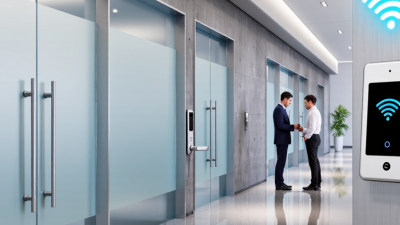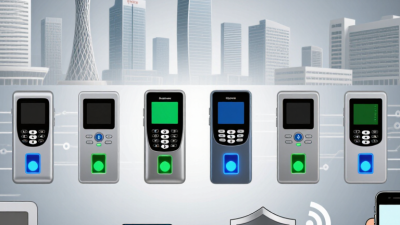
Choosing a Wireless Access Control system in 2026 means looking beyond the reader on the wall. The right choice should fit the building, the people using it, and the team maintaining it. A wireless lock may simplify installation in a renovated office, but battery life, signal strength, and network reliability still matter. Small details matter. Picture an employee arriving during a Wi-Fi outage: can the door still verify an approved credential, and will the event appear in the audit log later? These practical questions reveal more than a feature list.
A careful comparison should cover credential options, encryption, offline behavior, mobile access, integrations, support, and the full cost of ownership. Check how administrators add or remove users, what happens when a device loses power, and how often batteries need replacing. Test the system on the actual doors, not just in a meeting room. Thick walls, metal frames, and busy radio environments can change performance. Ask vendors to explain their assumptions and demonstrate recovery from common failures.
There is no universal winner. A small clinic, a multi-tenant office, and a warehouse have different traffic patterns and security needs. A neat specification sheet can still hide a frustrating daily workflow. I would not treat a single successful demo as proof of long-term reliability. This guide outlines the key criteria for comparing options, spotting trade-offs, and choosing a system that remains practical after installation—not only on purchase day.
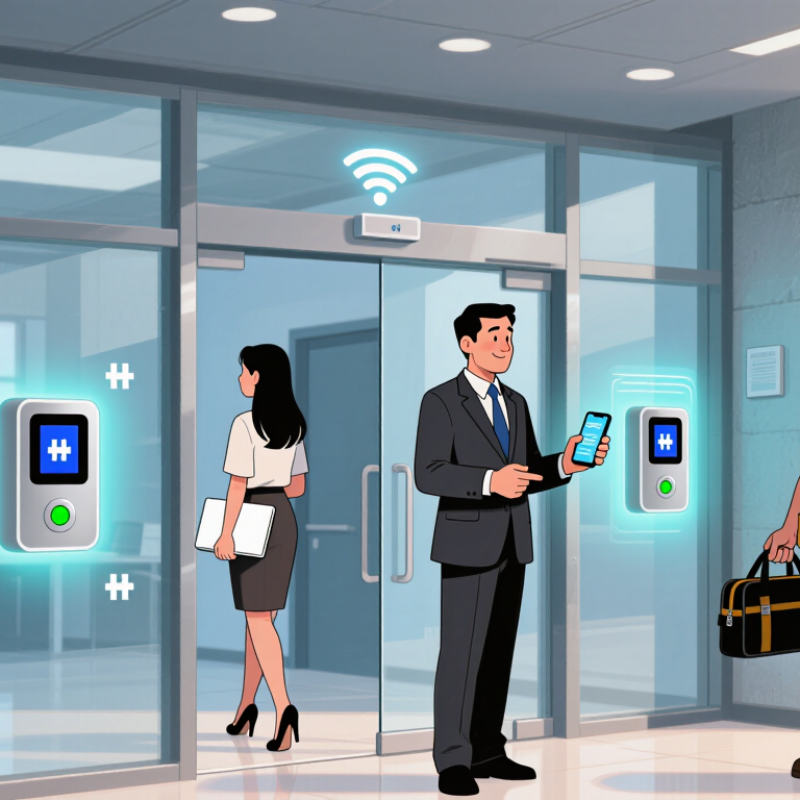
A wireless access control system manages who can enter a space and when. A credential, such as a phone, card, or PIN, is presented at a reader. The reader sends the credential data to a controller or gateway, which checks access rules. If approved, it signals the lock to open and records the event. Wireless usually describes the connection between the lock and controller; some door hardware still needs wired power.
Picture a staff entrance with a battery-powered lock and a small gateway nearby. The gateway relays encrypted signals to the access platform, where an administrator can issue or revoke credentials. If the network drops, the lock’s offline behavior matters: some systems store permissions locally, while others may limit updates until reconnection. Check battery life, signal range, encryption, and audit-log access before choosing. Wireless is not magic.
Verizon’s 2024 Data Breach Investigations Report found that 68% of breaches involved a non-malicious human element. This figure is not specific to access control, but it highlights why clear procedures matter. Lost phones, shared PINs, or delayed credential removal can weaken a well-designed system. I would not assume fewer cables mean fewer risks; that is an easy, but mistaken, shortcut. Ensure staff know how to report lost credentials and test what happens during a network outage.
A wireless access control system must protect more than the front door. Start with the doors. List who needs entry, at what times, and with which credentials. A cleaner entering before dawn has different needs from a visitor arriving for a scheduled meeting. The system should support clear permission levels, secure communication, and prompt removal of lost or outdated credentials. Ask how access events are recorded, who can review them, and how long records remain available. Security is only useful when staff can understand what happened.
Connectivity deserves close attention. What happens when a wireless link drops or power fails? Test that scenario at a representative door, not only in a sales demonstration. Check battery life under realistic traffic, and confirm how staff receive low-battery and device-health alerts. That matters. Also review how the system connects with existing doors, identity tools, and monitoring workflows. A technically sound system can still create extra work if administrators must update the same person in several places.
Daily operation is where small problems accumulate. Can an authorized manager add a temporary credential without calling a specialist? Are permissions easy to check during staff changes? Ask about software updates, support response times, and recovery procedures. Do not assume every feature will be used as intended; busy teams sometimes take shortcuts. Pilot a few doors, gather feedback from both staff and users, then revise the plan before expanding.
Compare the radio technologies behind common wireless credentials. Frequency is a technical reference—not a measure of security, read range, or system quality.
NFC operates at 13.56 MHz; UHF RFID commonly uses regional bands, with 915 MHz shown here as a US example; Bluetooth Low Energy operates in the 2.4 GHz band. When selecting a system, also check credential encryption, offline operation, audit logs, battery life, and integration with your existing access policies.
Frequency references: ISO/IEC 14443 (NFC), regional UHF RFID allocations, and the Bluetooth Core Specification.
How to Choose a Wireless Access Control System in 2026?
Comparing wireless technologies means testing the building, not just reading range claims. Wi-Fi can carry frequent status updates, but door hardware needs reliable power and strong coverage. Bluetooth Low Energy suits phone-based credentials and can reduce reader power, though performance depends on phone settings and nearby radio traffic. Sub-GHz links may travel farther through some walls, but check bandwidth and local interference. Walls matter. Test doors at the edges of the site.
Compare system features with the same care. Ask whether locks keep authorized credentials working during a network outage and how events sync after reconnection. Review encryption, credential revocation, role permissions, audit logs, battery alerts, and integration with existing identity tools. A polished dashboard cannot compensate for slow revocation or unclear event records. Check battery life under realistic traffic; a busy entrance differs from a rarely used storage room. Run a pilot on representative doors, including metal frames and stairwells. Measure unlock delay, missed reads, and battery use over several weeks. No specification predicts every building. One compromise is easy to miss: a longer-range radio may simplify coverage but add maintenance complexity. Choose a system your team can monitor and support, not one with the longest feature list. Keep it practical.
How to Assess Integration, Privacy, and Long-Term Costs
A wireless system should fit the building’s existing identity, video, and visitor-management tools. Ask vendors to demonstrate how permissions sync, how events are exported, and what happens when the network drops. Test a real door, not just a polished dashboard. Can staff revoke access quickly? Can the system keep operating offline? The 2024 Data Breach Investigations Report found that 68% of breaches involved a non-malicious human element. That figure is not specific to access control, but it underscores the value of clear roles, limited permissions, and useful audit logs. Collect only necessary entry data, define retention periods, and check who can view records.
Long-term cost is more than the initial hardware quote. Compare subscription fees, batteries, gateways, network upgrades, support, training, and replacement labor over at least five years. Include migration costs and ask whether records can be exported in a usable format. The 2024 Cost of a Data Breach Report put the global average breach cost at $4.88 million; it does not predict the cost of an access-system incident, but poor security can carry consequences beyond repair bills. I would also question optimistic battery-life estimates: busy doors and cold locations can change the picture. Small details matter. Ask for assumptions in writing, then test them against your busiest entrance.
Plan the installation around how people actually move through the building. Walk each entrance at busy and quiet times, noting wall materials, distance to the network, and places where signal strength may drop. Wireless does not mean signal-free. A concrete stairwell or metal cabinet can weaken communication. Check reader locations, power needs, door hardware, and the approved emergency exit method before ordering equipment. Keep a simple site map. It can be imperfect at first; a real walk-through often reveals details a floor plan misses. Confirm who will manage access permissions and review system alerts after installation.
Test each door with valid and expired credentials, then check what happens during a network or power interruption. Verify that doors respond as intended, events appear in the logs, and staff know how to report a fault. Record the test results, including any weak-signal locations. Do not treat a successful first-day test as proof that coverage will always hold. Buildings change. Schedule regular checks for batteries, firmware, door alignment, user permissions, and unusual access events. After renovations or furniture moves, retest nearby readers. Keep a maintenance log with dates, findings, and corrective work. Small gaps can linger when nobody owns the follow-up. Assign that responsibility clearly.
| Project Area | What to Plan | Practical Planning Target | Installation or Test Check | Ongoing Maintenance |
|---|---|---|---|---|
| Site survey and door inventory | Document each opening, door type, lock, request-to-exit method, power source, network coverage, and life-safety interface. | Survey every controlled opening before equipment is selected; record unusual construction and environmental conditions. | Compare installed hardware and wiring with the approved door schedule; confirm each opening is identified consistently. | Review the door inventory after renovations, hardware changes, or changes in building use. |
| Wireless coverage and network readiness | Assess signal quality at the actual reader and controller locations, interference, network capacity, and any required gateways. | Set acceptance limits using the selected system’s documented requirements and an on-site survey; do not rely on a building-wide coverage estimate. | Record signal and communication results at each location, then verify normal operation during representative busy periods. | Recheck affected areas after access-point changes, construction, or repeated communication alerts. |
| Power and battery planning | Identify powered devices, battery-powered devices, expected duty cycles, battery types, and replacement access. | Use the manufacturer’s stated battery-life assumptions as estimates; include local usage, temperature, and alerting needs in the plan. | Confirm power-loss behavior and low-battery notifications; document battery condition and installation date where applicable. | Review battery alerts regularly and replace batteries according to device guidance and observed condition. |
| Credential and user management | Define credential types, user groups, approval steps, visitor access, lost-credential response, and access end dates. | Use role-based permissions and promptly remove or change access when a person’s role or authorization changes. | Test enrollment, access permissions, revocation, and time schedules using representative user accounts. | Review active users and privileged accounts on a documented schedule; investigate unexpected access events. |
| Cybersecurity and system integration | Review encryption, administrator authentication, software updates, network separation, backups, and any integrations. | Restrict management access to authorized personnel; use strong authentication and follow the organization’s security policies. | Verify administrator access, event logging, backup and recovery procedures, and integration behavior before handover. | Apply security updates through a controlled process; review access logs and confirm backups can be restored. |
| Door safety and emergency behavior | Determine the required lock behavior during power loss, fire alarm activation, and emergency egress for each opening. | Confirm requirements with qualified local professionals and applicable codes; door behavior can differ by opening and jurisdiction. | Test each opening’s normal, power-loss, emergency-release, and request-to-exit behavior with the responsible safety personnel. | Repeat relevant safety tests after changes to locks, wiring, fire systems, or door hardware, and retain the results. |
| Commissioning and acceptance | Prepare a test plan covering credentials, schedules, alarms, offline operation, event records, and recovery scenarios. | Test 100% of controlled openings and record pass, fail, corrective action, and retest results for each one. | Confirm events appear with accurate door, user, and time information; test communication recovery after a simulated interruption. | Keep commissioning records, configuration details, and an up-to-date contact and escalation list. |
| Routine maintenance and support | Assign system ownership, support contacts, spare-device strategy, and a process for reporting faults. | Set review intervals based on risk, usage, manufacturer guidance, and organizational policy. | At handover, train administrators and provide operating procedures, device records, and fault-response steps. | Review alerts and system health regularly; schedule periodic door inspections, user-access reviews, and recovery checks. |
Planning note: These targets are general project-planning guidance, not universal code or product requirements. Confirm device specifications, local regulations, fire and life-safety requirements, and site-specific security policies before installation.
By continuing to use the site, you agree to the use of cookies. more information
The cookie settings on this website are set to "allow cookies" to give you the best browsing experience possible. If you continue to use this website without changing your cookie settings or you click "Accept" below then you are consenting to this.