Blog

How to Choose the Best CCTV and Alarm System?

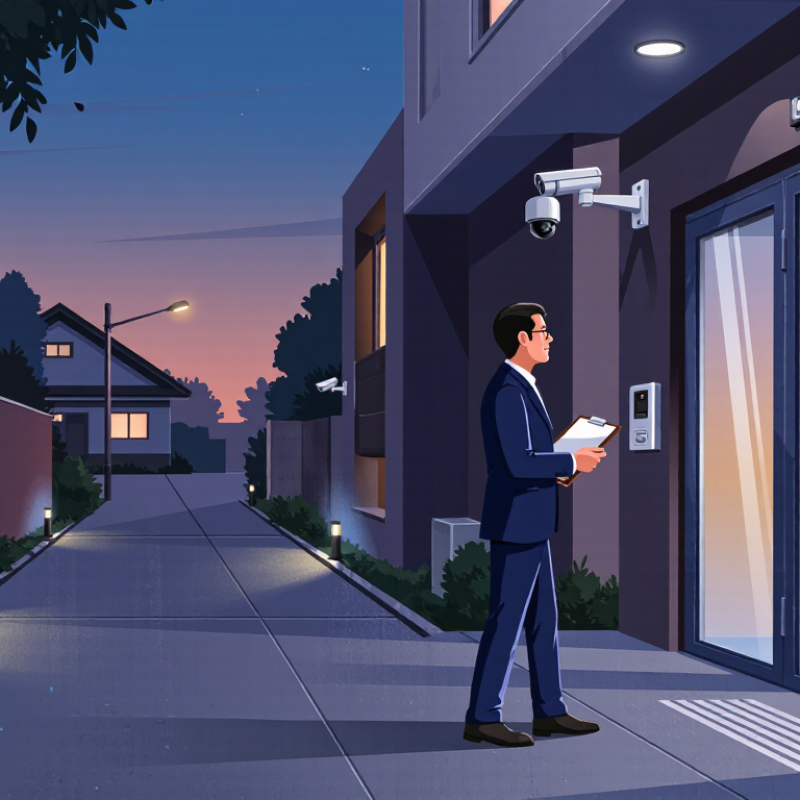
Choosing the right Cctv And Alarm System starts with the property, not the product catalogue. A shop with a glass entrance needs different coverage from a detached home with a long driveway. Walk the site at dusk. Note dark corners, likely entry points, and the places where people actually pass. Then compare camera image quality, night performance, recording time, alarm sensors, backup power, and monitoring options. Details matter.

Evidence can guide expectations, though it cannot promise a result. Welsh and Farrington’s 2009 Campbell systematic review reported an overall 16% reduction in crime across evaluated public-area CCTV schemes, with stronger effects in car parks. That finding is useful, but it does not prove that every camera deters crime in every home or business. Context matters. Cameras also need sensible positioning, reliable storage, and regular checks; an impressive specification is little help if a lens points at a bright window or a recorder stops saving footage.

A good system should make everyday security clearer, not more complicated. Consider who will receive an alarm alert, how quickly footage can be reviewed, and whether household members or staff can use the controls. Ask installers to explain their recommendations and support claims with product specifications or documented experience. More devices do not automatically mean better protection. Even a careful setup can have blind spots, so review it after renovations, seasonal changes, or incidents. This guide compares the practical choices and trade-offs, while keeping one point in view: the best system is the one that fits the site and can be maintained.
How to Choose the Best CCTV and Alarm System?

Define Security Needs and Assess Site Risks

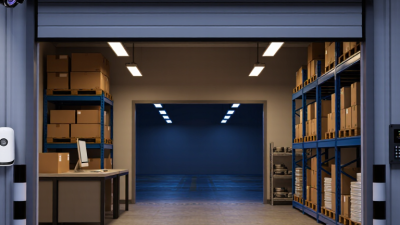
Before choosing equipment, define what needs protection and what a loss would disrupt. A small shop may prioritize the cash office, rear door, and stock shelves. A warehouse may need clear views of loading bays and after-hours access points. Walk the site during normal operations, not only when it is quiet. Note visitor routes, staff entrances, delivery schedules, shadows, and places where people naturally pause. Night changes everything. A doorway that looks bright at noon can become a dark patch after sunset. Review past incidents and near misses, and treat staff observations as useful evidence. Map each risk to a practical outcome: identify a person, detect forced entry, or receive an alert.

Choose cameras and sensors for those outcomes, rather than covering every wall equally. Fixed camera angles can miss faces when mounted too high or aimed into glare. Test likely views from standing height, and check what happens when doors open. Alarms should cover likely entry paths without triggering during routine work. Small details matter. Consider lighting, power interruptions, network reliability, and who will receive alerts at night. Keep recordings focused on useful areas, and explain monitoring practices to people on site. A written risk map helps installers understand priorities, but it cannot capture every change. A survey may miss seasonal shifts or boxes that block a camera’s view. Recheck coverage when layouts, opening hours, or delivery patterns change.

Compare CCTV Camera Types, Image Quality, and Coverage

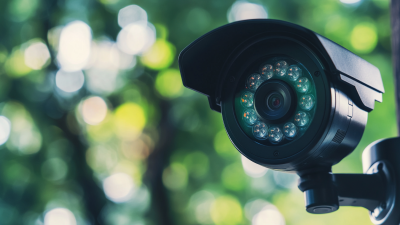
Choosing a camera starts with the scene, not the highest advertised resolution. A wide-angle camera can cover a small shop entrance, but distant faces may look tiny. A varifocal lens lets an installer adjust the view toward a doorway or till. Dome cameras sit discreetly under ceilings; bullet cameras make it easier to aim along a fence or corridor. Pan-tilt-zoom models can inspect changing areas, though they may leave other angles unwatched while turning. Light changes everything. Test it at night.

Compare recorded footage on a monitor, not just the camera’s specification sheet. A 4K image can reveal detail in good light, yet glare, motion blur, or poor placement can erase it. Check how faces appear near the edge of the frame and whether moving people remain clear. Infrared helps in darkness, but nearby walls or glass can cause reflections. These details are easy to miss.

Sketch the space and mark doors, windows, stairs, and likely blind spots. Then estimate each camera’s field of view at its planned height; a broad view is not automatically useful coverage. Place cameras to overlap important approaches without wasting views on empty walls. Walk through the area at different times of day and review sample recordings. Coverage plans can still miss an awkward corner, so adjust after seeing real footage rather than assuming the first layout is perfect.

How to Choose the Best CCTV and Alarm System? — Compare CCTV Camera Types, Image Quality, and Coverage

Compare common camera and alarm options by image detail, practical coverage, and installation considerations.
System type Typical image or detection capability Coverage and suitable areas Advantages Limitations and selection notes Alarm and recording considerations
HD analog camera Common formats support high-definition video; actual detail depends on the camera, recorder, cabling, and display. Fixed views such as entrances, corridors, and small outdoor areas; coverage depends on lens and placement. Can be a practical option when upgrading an existing compatible coaxial installation. Resolution and features vary by system; compatibility with the recorder should be checked before purchase. Usually records through a compatible DVR. Alarm events may require recorder-supported inputs or a separate alarm system.
IP dome camera Often available in megapixel resolutions; higher pixel counts can capture more detail when lighting, focus, and bandwidth are adequate. Indoor rooms, shops, offices, and covered entrances; fixed-lens models suit a defined view. Compact design; network models can support remote viewing and event features. A dome housing does not guarantee vandal resistance or outdoor suitability; check the product’s ratings and lens angle. Can record to a network video recorder or other compatible system. Event notifications depend on configuration and network access.
IP bullet camera Available in a range of resolutions and lens options; image clarity at distance depends heavily on focal length and scene lighting. Perimeters, driveways, gates, and building approaches, where a clearly directed view is useful. Visible direction can act as a deterrent; many models are designed for outdoor mounting. May be more exposed to weather or tampering if poorly positioned. Confirm environmental and impact ratings for the location. Can be linked to recording and alarm workflows when supported; motion alerts should be tuned to reduce unwanted notifications.
PTZ camera Motorized pan, tilt, and zoom provide adjustable views; optical zoom can enlarge distant subjects without the same loss of detail as digital zoom. Large yards, lots, and open areas that need an operator or programmed patrol to change the view. One camera can inspect multiple directions and zoom in on selected areas. It cannot capture every direction at once; a subject may be missed while the camera is looking elsewhere. It may cost more to install and operate. Preset tours and event triggers may be available, but alarm response should not rely on a PTZ camera as the only view of a critical area.
Fisheye or 360-degree camera Provides a very wide image that can be digitally dewarped; the usable detail per direction can be lower than with a narrower view. Open indoor spaces such as reception areas or small retail floors, usually from a central mounting point. Can reduce blind spots in a single room and may replace several narrow views in suitable layouts. Wide-angle distortion and reduced detail at the edges can make identification harder; placement and dewarping support matter. Check that the recorder supports the camera’s panoramic format and that alarm events can be tied to useful viewing zones.
Thermal camera Detects heat differences rather than producing ordinary visible-light imagery; it is useful for spotting warm objects in darkness or some obscured conditions. Perimeter detection and selected outdoor applications, depending on distance, scene conditions, and thermal lens. Can detect heat signatures without visible illumination. Thermal imagery generally does not show familiar color or facial detail; it is not a direct substitute for a conventional identification camera. Often paired with a visible-light camera or separate sensors for verification. Detection performance depends on environment and setup.
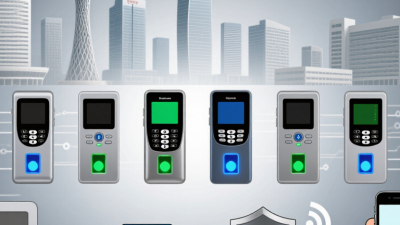
Door and window contact sensors Detect whether a protected opening is opened; they do not provide video or identify a person. Doors, accessible windows, and other openings that need perimeter protection. Simple, direct detection at entry points; useful when cameras cannot cover every opening. They do not detect movement in the room after entry unless combined with other sensors. Connect to an alarm panel or compatible wireless system; confirm sensor-to-panel compatibility and communication range.
PIR motion detector Detects changes in infrared energy caused by movement; it does not capture images. Interior rooms and passageways where a clear detection zone can be maintained. Provides room-level detection without relying on camera recording. Pets, heat sources, obstructions, and sensor placement can affect performance; follow the device’s installation guidance. Typically reports events to an alarm panel. Camera verification can help assess an alert, if the systems are compatible.
Glass-break sensor Uses acoustic or vibration cues to detect certain glass-breaking events; performance varies by sensor design and installation. Rooms with vulnerable windows or glass doors, within the sensor’s specified range. Can complement opening contacts and motion detectors. Background sounds, room acoustics, and distance may affect detection; it should not be the sole protection for an entire property. Usually reports to an alarm panel. Test and position according to the manufacturer’s instructions.

Selection tip: Choose camera resolution and lens angle for the task—recognizing a face or reading a plate requires more detail than general scene monitoring. Coverage also depends on mounting height, distance, lighting, obstructions, and night-time illumination. Confirm local privacy rules, data-storage needs, network security, and compatibility between cameras, recorders, and alarm equipment.

Evaluate Alarm Sensors, Monitoring, and Emergency Response

How to Choose the Best CCTV and Alarm System?

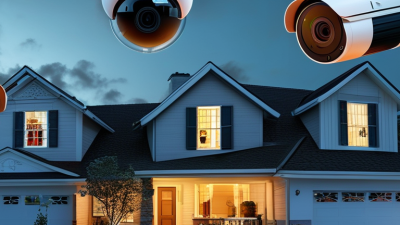
A useful security system starts with the risks around your home, not the number of devices in a package. Check entry doors, ground-floor windows, and dim paths where someone could approach unseen. Choose sensors suited to each location: contact sensors detect opened doors, while motion sensors cover larger indoor areas. Pets, heating vents, and moving curtains can trigger false alarms. Test sensors after installation and review their placement when rooms change.

Tips: Test each sensor monthly. Keep camera lenses clear, check backup power, and make sure household members know how to cancel a mistaken alert. Save emergency contacts where everyone can find them.

Monitoring affects what happens after an alarm sounds. Self-monitoring sends alerts to your phone, so consider whether someone can reliably answer at all hours. A professional monitoring service may verify events and contact emergency responders, depending on its procedures and your location. Ask how alerts are assessed, how backup communication works, and what response times can realistically be expected. Do not assume a camera recording guarantees help. It is easy to focus on image quality and overlook the response plan; that trade-off deserves another look. A simple system that people understand and maintain may work better than a complex one left unchecked.

Check System Compatibility, Installation, and Privacy Requirements

Check System Compatibility, Installation, and Privacy Requirements

A CCTV camera is only useful if it works with the recorder, network, and power supply already in place. Check supported camera resolution, recorder channel capacity, and whether your network can handle simultaneous video streams. For wired systems, confirm cable type, distance, and power requirements before buying. Alarm sensors also need compatible zones and a reliable connection to the control panel. Small details matter.

Installation affects what the system can actually detect. A camera aimed toward a bright window may produce washed-out footage, while a poorly placed motion sensor can miss activity or trigger from moving curtains. Walk through the property in daylight and after dark, then test each device from likely entry points. Check Wi-Fi strength where wireless equipment will sit; a signal that looks fine indoors may drop near an exterior wall. A neat layout on paper can still fail in a real hallway.

Privacy deserves equal attention. Aim cameras at your own entrances and shared areas, not spaces where people reasonably expect privacy. Disable audio recording if it is unnecessary, and use privacy masking where nearby windows or walkways enter the frame. Limit account access, choose strong unique passwords, install security updates, and set a retention period that fits your needs. Requirements differ by location, so check local guidance before installation. It is easy to overlook this step.

Compare Costs, Reliability, and Ongoing Maintenance

A low installation quote can hide years of extra costs. Compare the full three-to-five-year cost: equipment, installation, cloud storage, monitoring, battery replacement, and technician visits. Ask for itemized prices and confirm whether recordings remain available during an internet outage. A small office may prefer local recording; a larger site may value off-site access. There is no universal best choice.

Reliability depends on practical details, not just camera resolution. Check coverage at doors, loading areas, and dim corners, then test alerts during busy hours. Ask how often batteries, sensors, and backup connections should be checked. Cybersecurity belongs in the maintenance budget too: Verizon’s 2024 Data Breach Investigations Report found that 68% of breaches involved a non-malicious human element. That figure covers breaches generally, not CCTV systems specifically, but it underscores the value of staff training and controlled account access. No spreadsheet captures every blind spot.

Tips: Request a written maintenance schedule and response-time commitment. Price a yearly test, firmware updates, and replacement batteries before signing. The IBM 2024 Cost of a Data Breach Report put the global average breach cost at US$4.88 million; this is not a camera-system estimate, but it shows why secure upkeep matters. Leave room in the budget for surprises. A cheaper plan can still be the wrong fit.

By continuing to use the site, you agree to the use of cookies. more information

The cookie settings on this website are set to "allow cookies" to give you the best browsing experience possible. If you continue to use this website without changing your cookie settings or you click "Accept" below then you are consenting to this.

Close